 Windows
MT4 for Windows
Full desktop terminal for chart analysis, order management, account monitoring, scripts and Expert Advisor operation.
Download for Windows

MetaTrader 4 is available for desktop, browser and mobile access. Choose the terminal that matches your device, installation conditions and trading workflow, from full desktop chart analysis to mobile account monitoring and WebTerminal access.
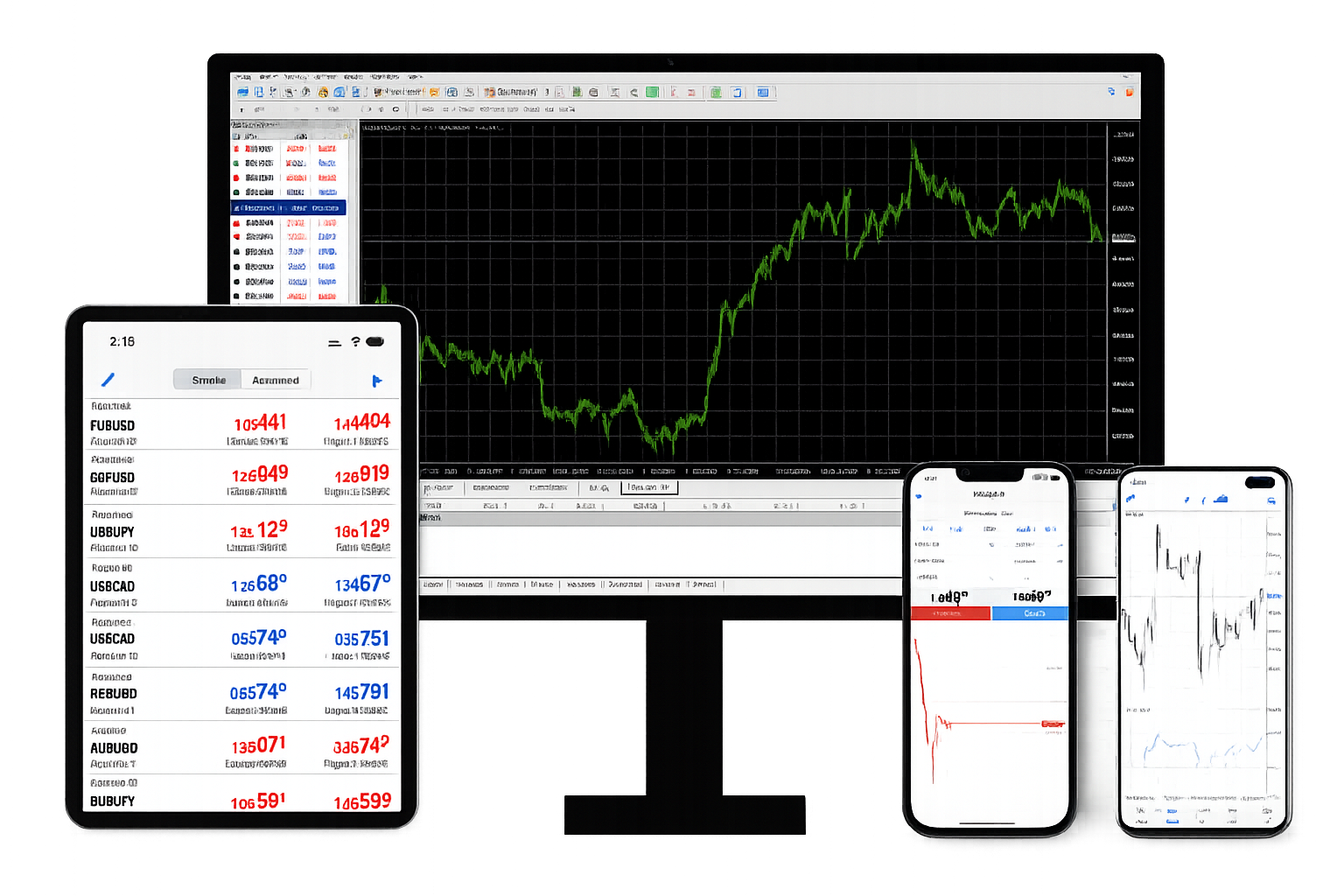
Choose the MetaTrader 4 terminal that matches your device and trading workflow.
Windows
Full desktop terminal for chart analysis, order management, account monitoring, scripts and Expert Advisor operation.
Download for Windows macOS
macOS
Desktop access for Mac users, with MT4 charts, account login, order workflow, market analysis and trading history.
Download for macOS Android
Mobile access for market quotes, chart review, account login, position tracking and essential order handling.
Download for Android iOS
iOS
Mobile trading access for quotes, charts, alerts, account status, open positions and basic order management.
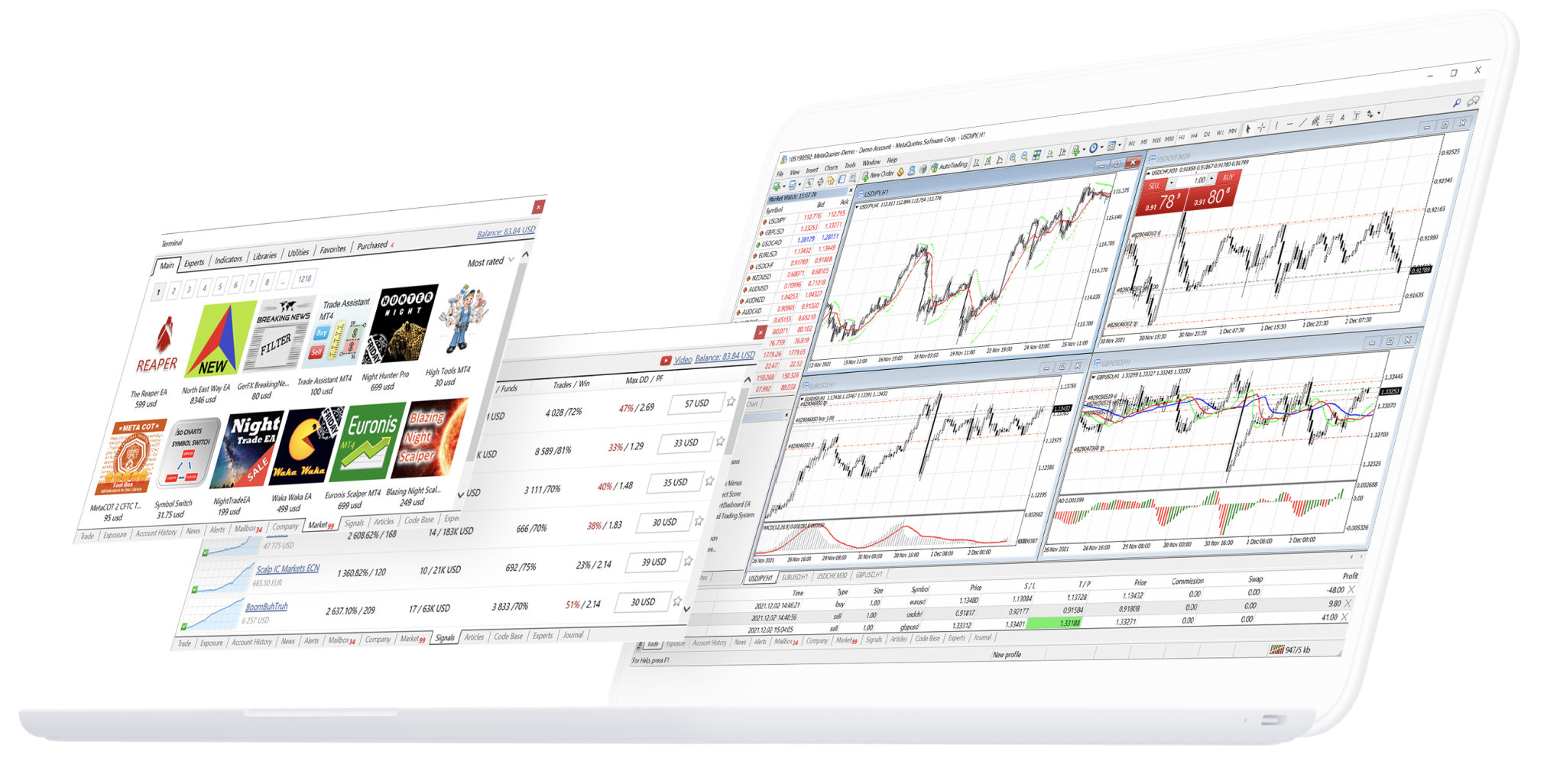
Download for iOSThe MT4 desktop terminal is the primary environment for full chart work, order control and automated trading. It supports multi-timeframe analysis, technical indicators, drawing tools, account review, trading history, scripts and Expert Advisor setup. Before signing in, users should prepare the account number, password and server name provided by the account service or broker.
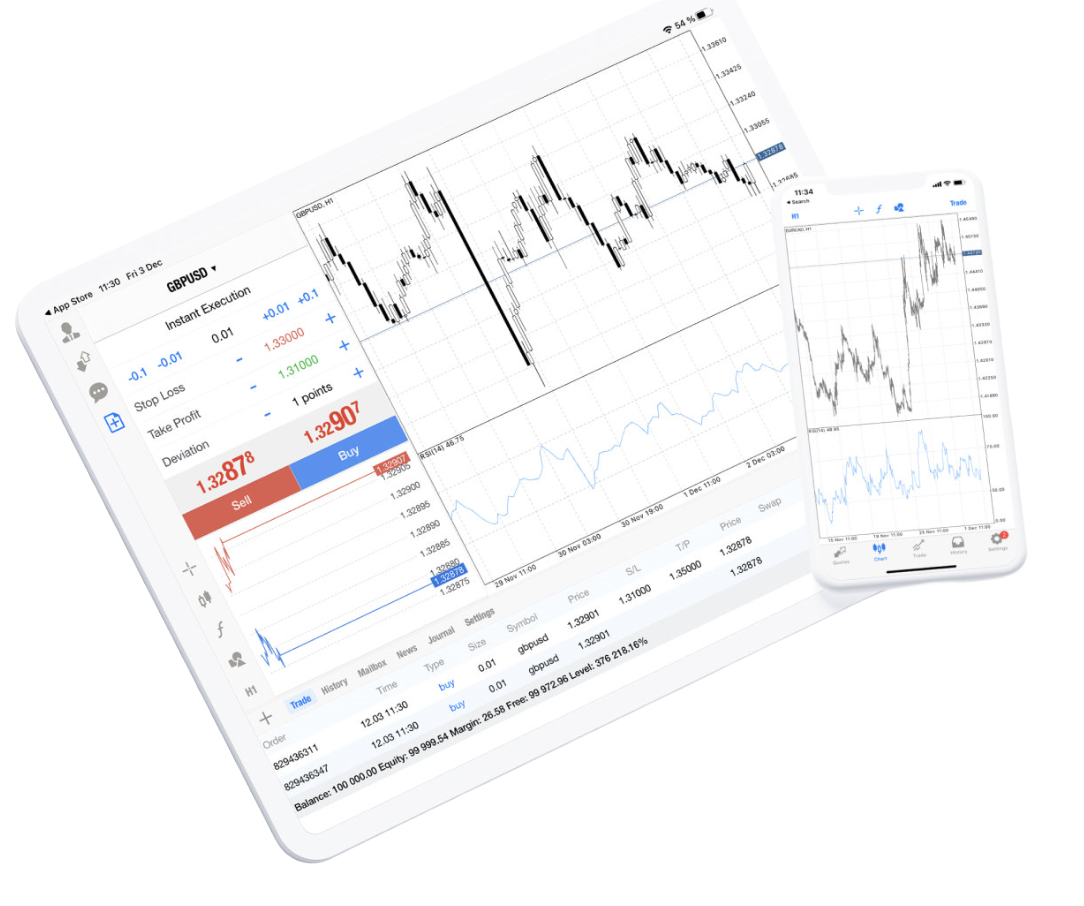
MetaTrader 4 for iPhone and iPad keeps the trading account visible on mobile devices, with access to quotes, charts, orders, alerts and account status while away from the desktop terminal.
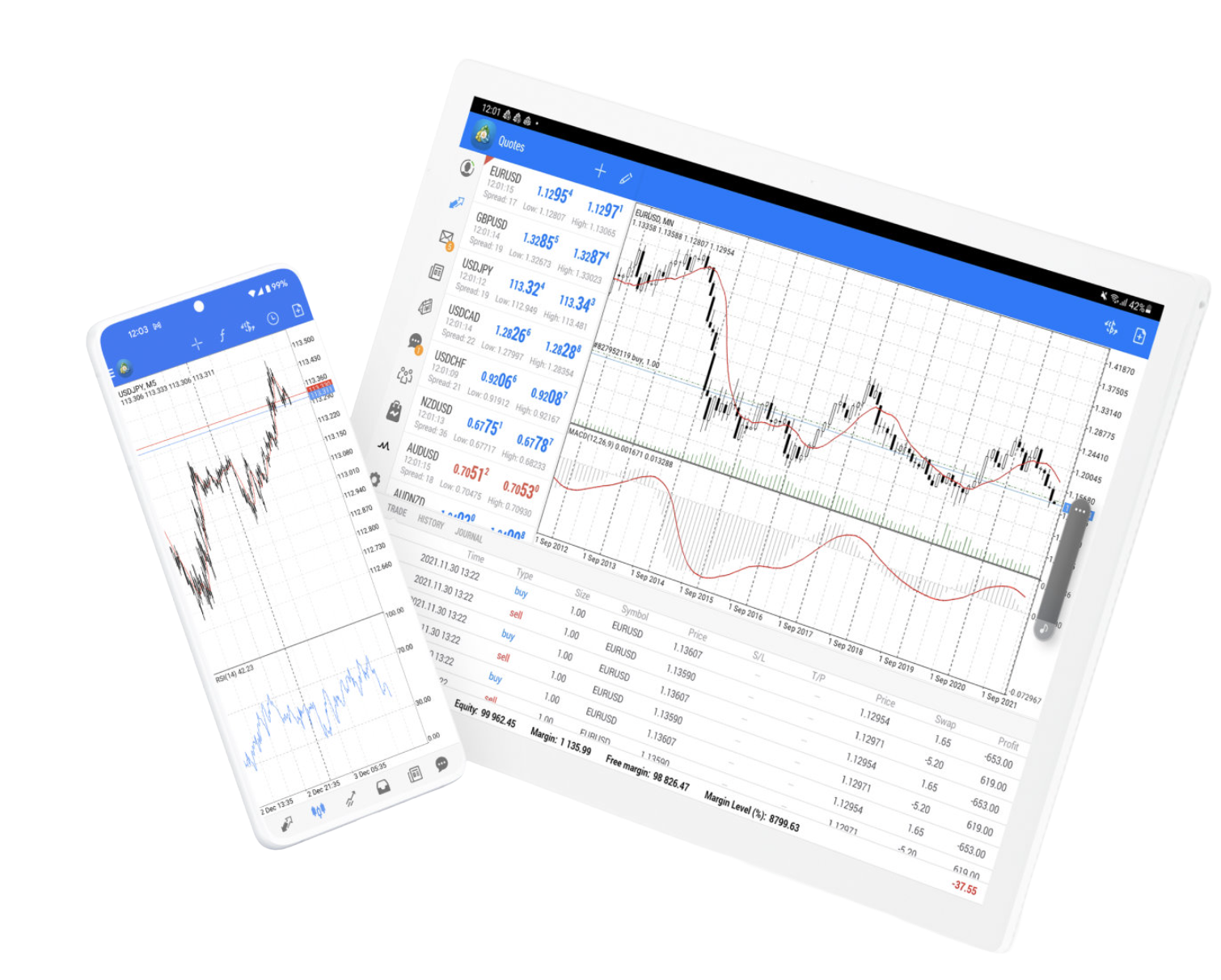
MetaTrader 4 for Android brings forex quotes, charts, trading functions and account access to Android phones and tablets, making it suitable for monitoring markets and handling essential account actions on the move.
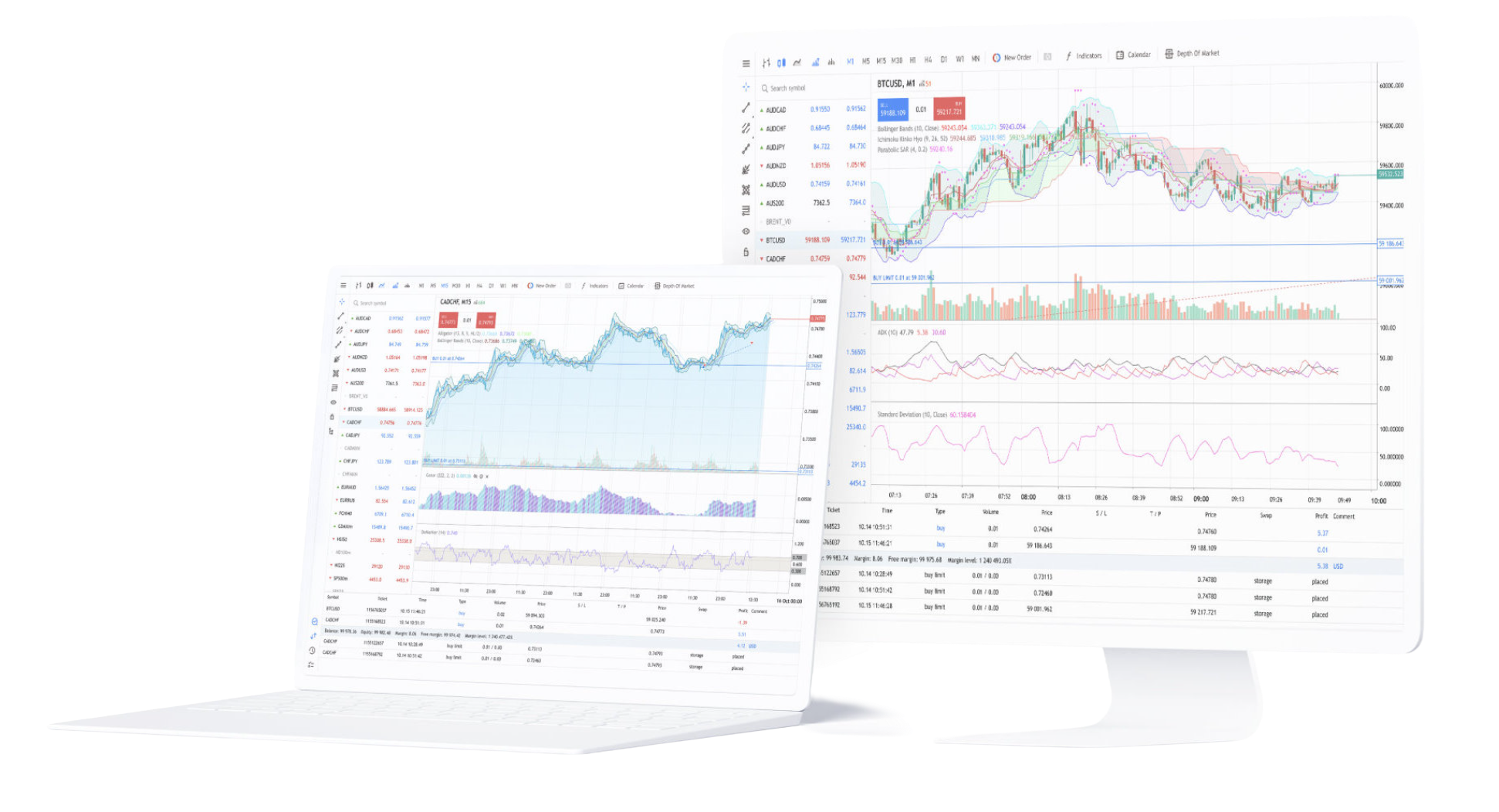
MetaTrader 4 WebTerminal provides browser-based access to the trading environment without installing a desktop application.
The web platform is designed for users who need to access charts, quotes, orders and account information from a browser on supported operating systems. Account login, server connection, available symbols and trading permissions still depend on the connected account environment.
Desktop, mobile and web access are not duplicate versions. They serve different parts of the trading workflow. Desktop supports complete chart analysis and EA operation, mobile supports monitoring and essential account actions, and WebTerminal supports browser-based access when installation is not practical.
Desktop access is commonly used for chart analysis, indicator layouts, order management, account review, trading history, scripts and Expert Advisor configuration, especially during longer trading sessions.
Mobile access is suited to quote checks, chart review, position monitoring, account status and essential trade actions. Before placing orders, users should still verify instrument, volume, price and risk settings.
Each MT4 version is designed for a specific access method. The right choice depends on device type, installation permissions, network conditions, trading session length and whether the user needs desktop analysis, mobile monitoring or browser-based access.
Suited to charts, indicators, order handling, account tools, trading history, scripts and EAs on a computer, especially when users spend more time analysing markets or operating automated strategies.
Suited to browser-based access from temporary or shared devices, lighter market checks, account confirmation and basic actions when desktop installation is not available.
Suited to quote review, position monitoring, account tracking, alerts, trading history checks and essential trade handling on a phone or tablet.
Downloading the terminal is only the first step. To connect MetaTrader 4 to a trading environment, users normally need the correct account number, password and server name. Symbols, quotes, spreads, leverage and trading permissions are loaded after successful login.
Confirm whether the current device uses Windows, macOS, Android, iOS or browser-based access, then choose the matching MT4 terminal.
MT4 login usually requires an account number, password and server name. If the server information does not match the account, login may fail or account data may not load.
MT4 is a trading platform and technical environment. It provides charts, orders, account tools and automated trading features, but it does not guarantee profit or trading outcomes.
The questions below focus on MetaTrader 4 download options, Windows, Mac, Android, iOS, WebTerminal, installation preparation and account connection.
MetaTrader 4 is commonly available for Windows, macOS, Android, iOS and WebTerminal access. Each version fits a different device environment and terminal workflow.
The MT4 Windows terminal is suited to full desktop use, including chart analysis, indicator loading, order execution, account management, scripts and Expert Advisor automation.
The main difference is the operating system and installation path. Windows is built for Windows computers, while the macOS package is designed for Mac devices. Account number, password and server information are still required after installation.
The Android and iOS apps are designed for mobile trading access, including quote review, chart viewing, account login, position tracking, trading history checks and essential order handling.
MetaTrader 4 WebTerminal provides browser-based access and does not require the same desktop installation process. Availability and trading permissions depend on the connected account and server environment.
Downloading MT4 gives access to the terminal. To connect to a trading environment, users usually need an account number, password and server name. Symbols, quotes, spreads, leverage and order permissions are loaded from the connected server.