Platform

MetaTrader 4 Platform for Forex Trading

MetaTrader 4 brings forex market quotes, interactive charts, technical indicators, order execution and account access into one trading terminal. The platform is designed for traders who need analysis, trade management and account monitoring to stay connected in the same operating environment.

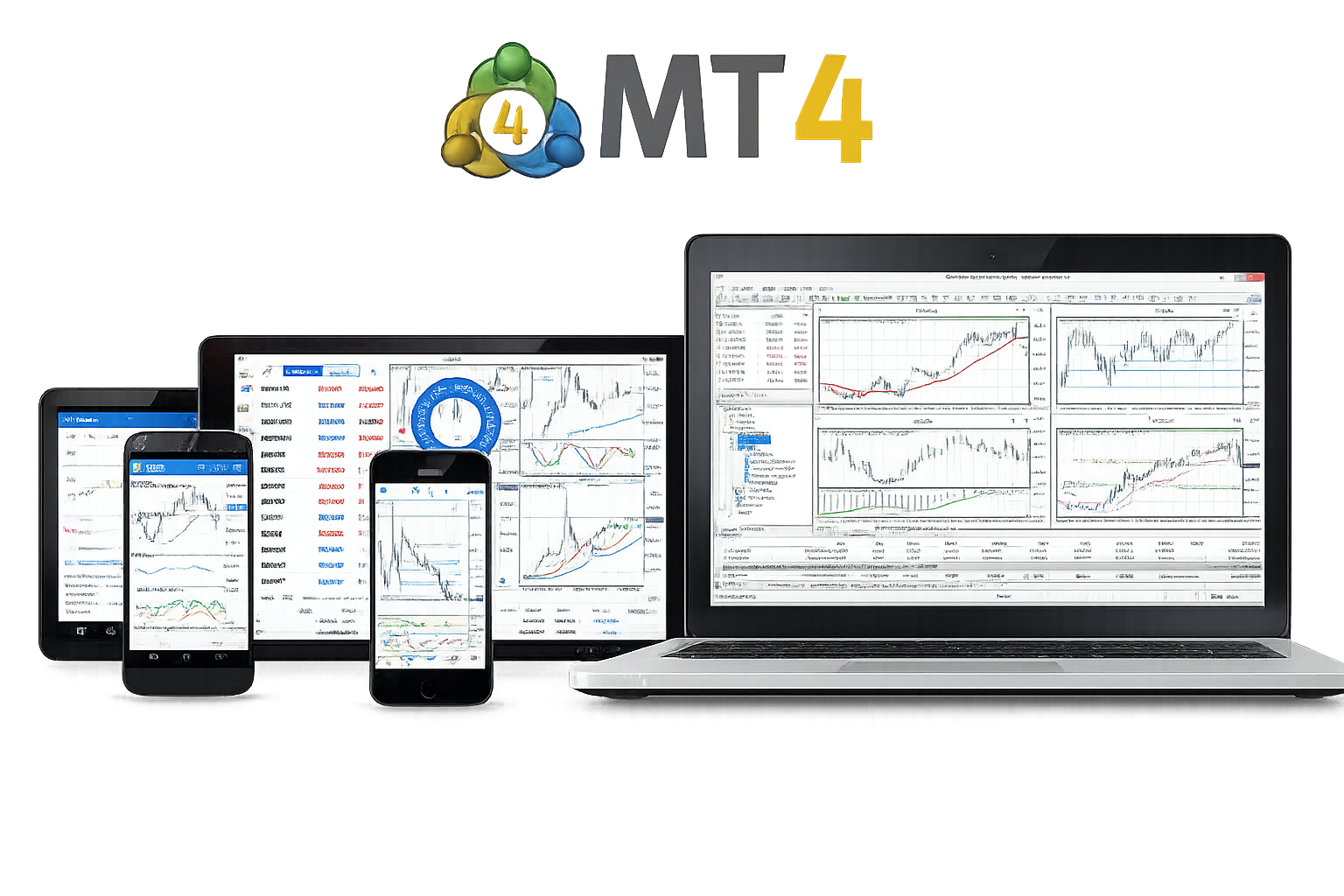
MetaTrader 4 platform interface with charts, quotes and order tools

Technical Analysis

Technical analysis is one of the central workflows in MetaTrader 4. Charts, indicators, timeframes and market structure tools are built directly into the platform, so price review and trade execution remain close together.

Analysis

Analyze market structure before placing trades

MT4 supports chart-based analysis across multiple timeframes, helping traders review price direction, momentum, volatility and key market levels before acting. Indicators and graphical objects can be combined with order tools, allowing analysis and execution to remain part of the same terminal workflow.

Trend review

Compare direction, momentum and broader price structure before reacting to shorter-term movement.

Indicator support

Use technical indicators together with chart structure to build a more complete market review.

Charting Tools

Charts are the working surface of the MetaTrader 4 platform. Timeframes, drawing tools, indicators and templates help traders read market conditions, prepare orders and keep analysis consistent across trading sessions.

Multiple timeframes

Switch between short-term and long-term views to compare immediate price action with broader market structure.

Drawing tools

Mark trend lines, channels, support and resistance zones, and price levels that matter in trade preparation.

Indicator overlays

Apply indicator overlays to compare signals, confirm market direction and add structure to price analysis.

Trade Execution

MetaTrader 4 connects market analysis with order handling. Traders can review charts, submit orders, manage positions, set risk parameters and monitor account status without leaving the main trading environment.

01

Order types

Use market orders, pending orders, stop loss and take profit settings inside the same trading platform.

02

Position handling

Manage open trades, modify order parameters, review exposure and monitor account conditions from the terminal.

03

Analysis and execution

Keeping chart review and trade placement close together supports a more repeatable trading workflow.

Desktop, Web and Mobile Access

MetaTrader 4 is used across desktop, web and mobile environments. Desktop remains the main workspace for deeper chart analysis and terminal control, while web and mobile access support account visibility and continuity across devices.

Desktop for complete platform work

Desktop access is suited to chart layouts, indicators, order handling, account review, trading history, scripts and Expert Advisor operation.

Desktop Web Mobile Account Access

Other access modes support continuity

Web and mobile access are useful for account checks, quote review and essential trading actions away from the main workstation.

Web Trading

WebTerminal gives traders a browser-based way to access quotes, charts, account information and essential trading functions without installing the full desktop terminal.

Browser-based access

Useful when desktop installation is not available or when users need temporary access from a supported browser.

Designed for lighter tasks

Best suited to account checks, quote review and essential actions rather than replacing full desktop analysis and EA operation.

Mobile Trading

Mobile access keeps the trading account visible when users are away from the desktop terminal. It is useful for monitoring quotes, checking positions, receiving alerts and handling essential account actions.

Mobile trading extends platform access

MT4 mobile works best as an extension of the platform, supporting quick checks, account monitoring and time-sensitive position review when the main workstation is not available.

Quote monitoring

Track price movement and account activity without staying in front of the desktop terminal.

Alerts and positions

Follow alerts, review open trades and handle smaller management decisions when timing matters.

Multi-context use

Maintain account continuity when trading routines move between office, home and travel environments.

Frequently asked questions

These answers focus on the MetaTrader 4 platform, including chart analysis, trading tools, order execution, desktop access, WebTerminal and mobile use.

Is MetaTrader 4 good for technical analysis?

Yes. MetaTrader 4 supports charting, indicators, multiple timeframes, drawing objects and templates, which are core tools for technical analysis and market structure review.

Does MT4 support charting tools for active traders?

Yes. MT4 supports chart-based workflows with price review, indicators, drawing tools, timeframes and templates for structured trade preparation.

Can trades be placed directly from the platform?

Yes. MT4 supports market orders, pending orders, stop loss, take profit and position management inside the same terminal environment.

Is MT4 mainly for desktop use?

Desktop remains the main environment for deeper analysis, full chart work and EA operation, while WebTerminal and mobile access support lighter account and market tasks.


Related content

Continue with download options or account access

After reviewing the platform overview, continue to the download page for Windows, macOS, Android, iOS and WebTerminal options, or open the account page for login, server and account-access details.